What should a kitchen manager do when a large catering order blows past pars?
A big event order can drain a week of stock in a day. Here is how to plan the buy, keep the regular line supplied, and keep the numbers clean afterward.
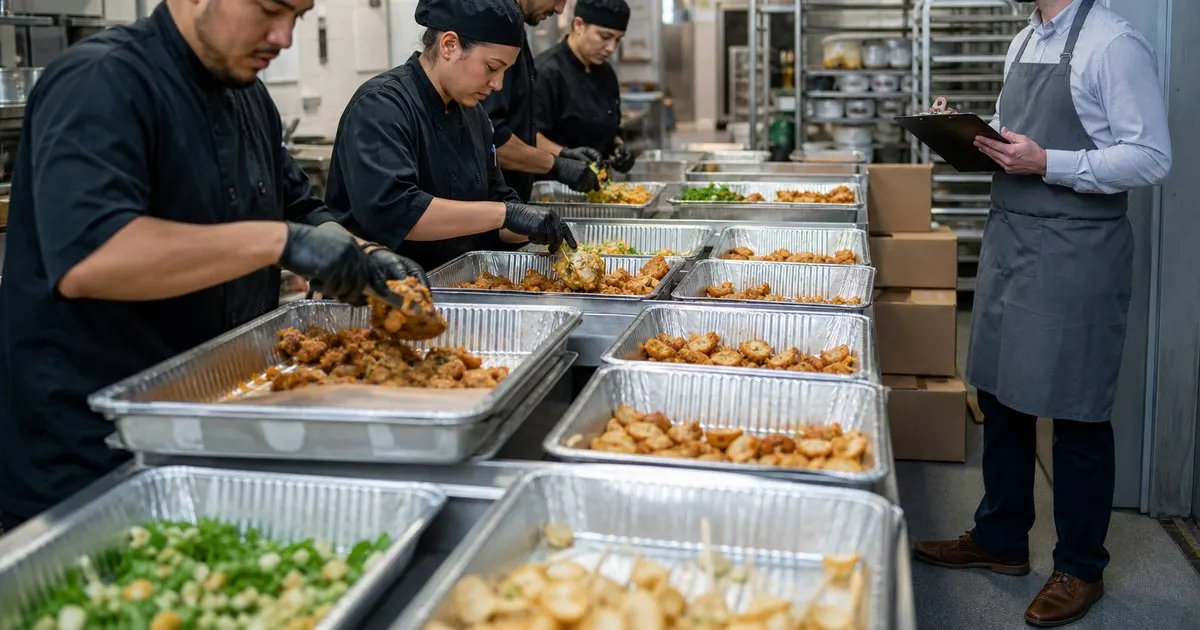
Why events break the ordering rhythm
Par levels assume usage stays inside a normal range. A catering order for two hundred guests is not inside that range. It can use more of a single protein in one afternoon than the dining room uses in a week. If the event order simply gets added to the regular reorder, one of two things happens: the ordering system sees a huge usage spike and pushes pars up for weeks, or the event pulls from stock that was meant for the line and Friday service runs short. Both are avoidable with a small amount of separation. Related: How do you set par levels for restaurant inventory that actually hold up?
The second problem is timing. Event product often needs to arrive on a specific day, not on the regular delivery schedule, and it may come from a different vendor or in a different pack size. If nobody writes down that the extra cases are for the event, the person doing the regular count sees a walk-in full of chicken and lowers the next order, and the line is short the week after the event. Keeping the event buy visibly separate protects both the event and the regular operation. Related: What is the best way to organize vendor order sheets across several suppliers?
Keep reading: How do you set par levels for restaurant inventory that actually hold up?, What is the fastest way to run accurate weekly inventory counts in a kitchen?, How do reorder alerts prevent stockouts before they hit the line?. See how ParLevelr helps you restaurant inventory par levels and reorder alerts.
Building the event order from the menu, not from pars
Start with the event menu and headcount, and cost each dish out by portion. Multiply portions by headcount, add a production overage that reflects how you actually cook (a small margin that depends on the dish and how forgiving it is), and total the ingredients. That list is the event order, and it should be placed as its own purchase order with its own delivery date, entirely separate from the regular par-based order. Pars stay where they are.
Then check the event list against current on-hand for shared items. If the event needs forty pounds of an item and you have thirty on hand for the line, do not borrow it. Order the full forty for the event and let the line keep its thirty. Borrowing from line stock is how a successful event turns into a stockout three days later. The only exception is shelf-stable items where the regular par is generous and a same-week restock is easy. Related: How do reorder alerts prevent stockouts before they hit the line?
Keeping the count and usage data clean
When the event product arrives, log it as received but tag it as event inventory if your system supports it, or store it in a clearly marked area with a sign if you are on paper. When the event is produced, log the usage as event usage rather than regular usage. The goal is that when you review usage next month, the event shows up as a one-time spike you can explain, not as a permanent change in how much the dining room uses.
If your software cannot separate event usage, the simplest workaround is to note the event on the count sheet and manually exclude that week when reviewing pars. It is also worth counting the day after the event rather than waiting for the regular count day, since leftover event product needs to be either used on the line, repurposed into specials, or written off, and each of those needs to be logged so the on-hand number is right going into the next order.
Post-event cleanup and lessons for next time
Leftovers are where event margin quietly disappears. Decide within a day what happens to each leftover item: move it to the line if it fits the regular menu and is within shelf life, run it as a special, or discard it and record the waste. Do not let event leftovers sit in the walk-in unlabeled, because they get counted as regular stock, suppress the next order, and then get thrown out anyway.
Afterward, compare what was ordered to what was used. If the overage was mostly unused, trim it next time. If you ran short on something, note the dish and the reason. Over several events, this builds a quick reference for that kind of menu at that headcount, which makes the next order faster and more accurate. Keeping event buys separate from pars is the whole trick, and it turns catering from something that disrupts inventory into something that sits cleanly beside it. Related: What is the fastest way to run accurate weekly inventory counts in a kitchen?
- Never fold a large event order into the regular par-based reorder; place it as a separate purchase order.
- Build the event buy from the menu, portions, and headcount, plus a realistic production overage.
- Do not borrow line stock for the event, and tag event product so usage data stays clean.
- Deal with leftovers within a day and log what was moved, sold, or discarded.

Julien Jimenez
Julien Jimenez is an independent software builder based in Paris. He designs, ships, and operates focused SaaS products for small businesses and independent professionals. Read the full author page.
Never Run Out And Never Over Order
Restaurant inventory par levels and reorder alerts. ParLevelr is built to help you put this into practice.
Start free trialMore from the ParLevelr blog
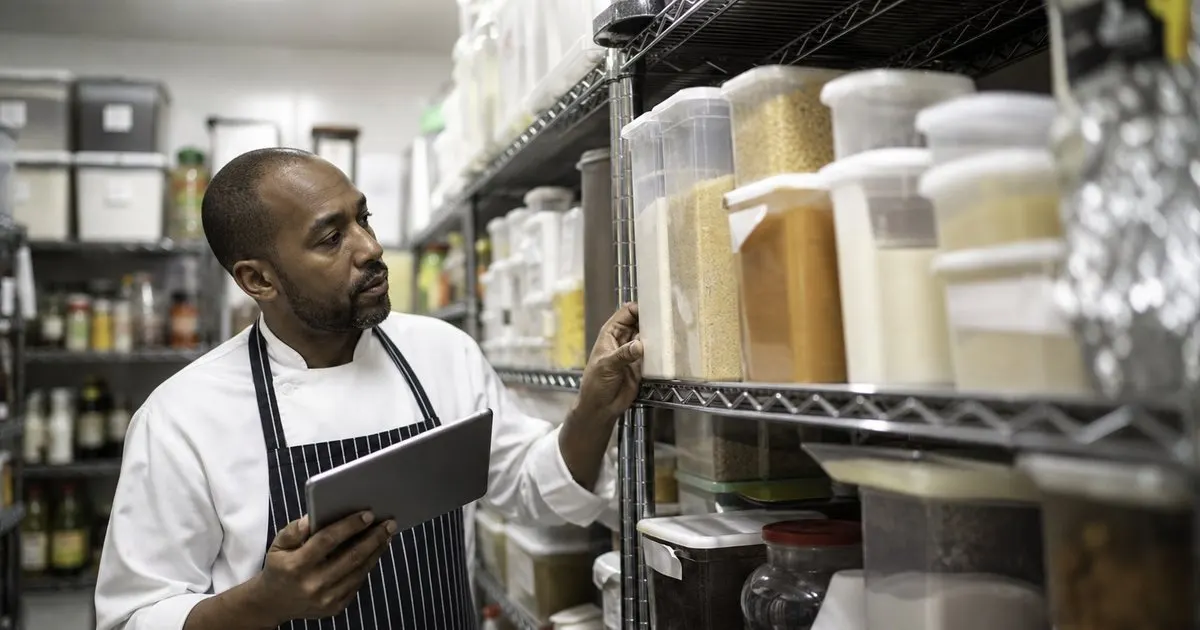
How do you set par levels for restaurant inventory that actually hold up?
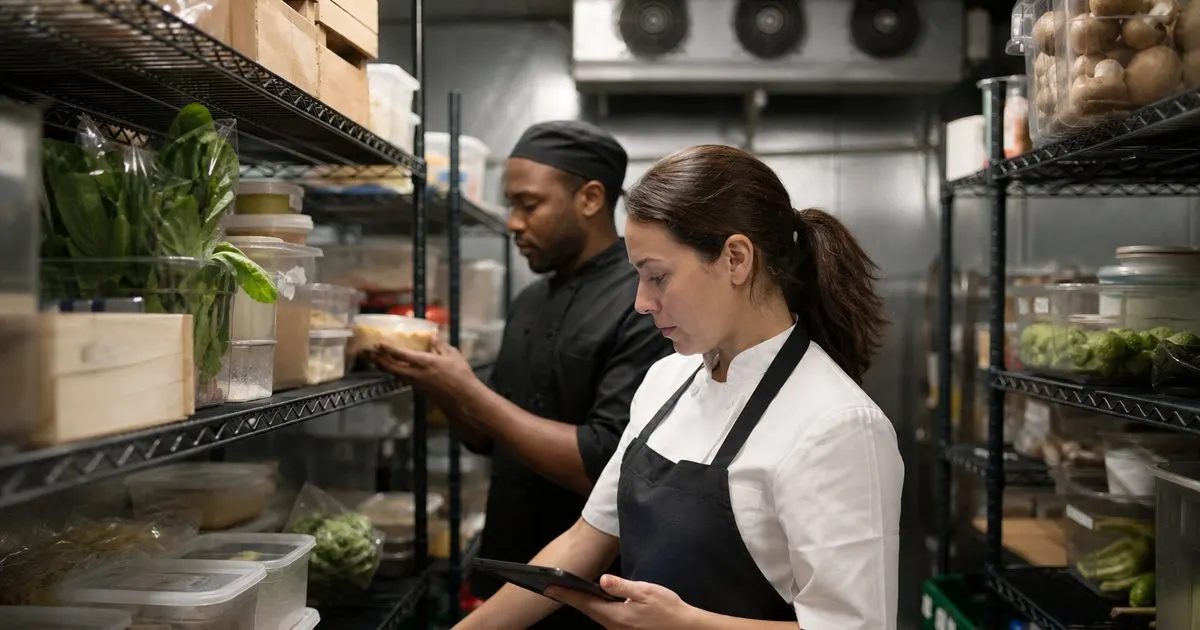
What is the fastest way to run accurate weekly inventory counts in a kitchen?
How do reorder alerts prevent stockouts before they hit the line?
Get the ParLevelr playbook
Practical guides on inventory and ordering, straight to your inbox as we publish them. No spam, unsubscribe any time.