How do reorder alerts prevent stockouts before they hit the line?
Catch a low item while there is still time to reorder it.
Most stockouts are discovered mid-service, far too late to reorder. A reorder alert moves that discovery earlier by flagging an item when it hits its reorder point, set above the vendor's lead time so there is still runway. Focus alerts on critical items and turn them straight into orders.
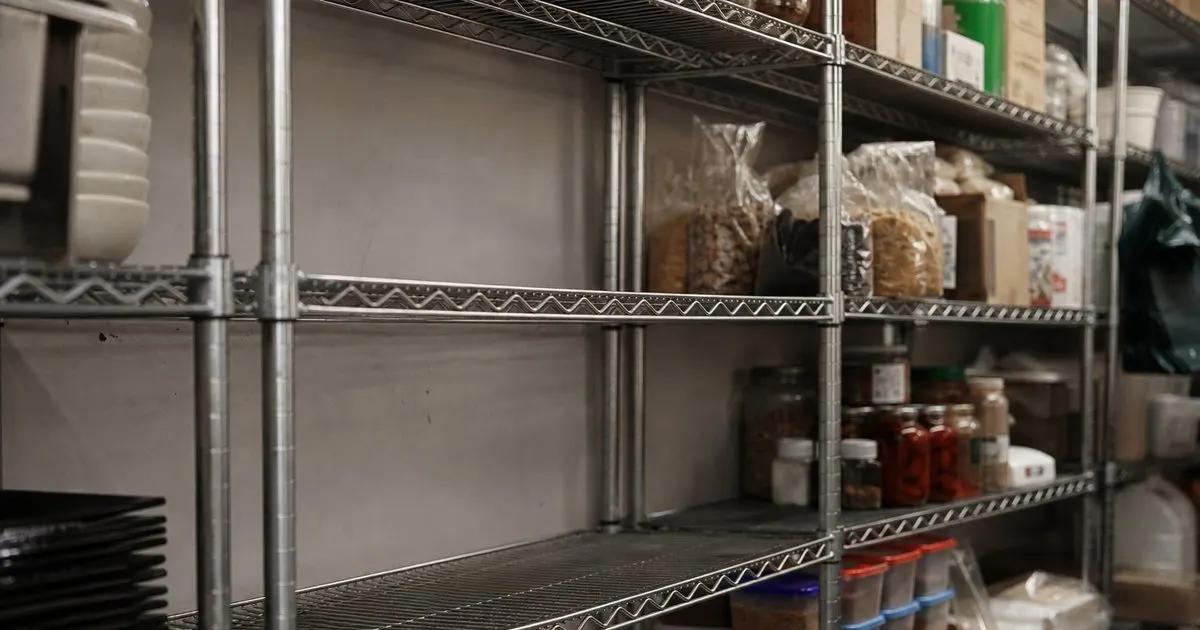
Stockouts are late discoveries
Most stockouts are found mid-service, when it is far too late to reorder. The item was low for days and nobody flagged it.
A reorder alert moves that discovery earlier, to when you can still get product before the shelf goes empty.
Keep reading: How do you set par levels for restaurant inventory that actually hold up?, What is the fastest way to run accurate weekly inventory counts in a kitchen?, How can better inventory control cut food waste without risking stockouts?. See how ParLevelr helps you restaurant inventory par levels and reorder alerts.
Alert at the reorder point
The trick is to alert when stock hits the reorder point, not zero. The reorder point accounts for how long a delivery takes.
Set that threshold above the vendor lead time, and the alert always gives you enough runway to restock. Related: What should a restaurant do when a vendor shorts an order or changes lead times?
Prioritize what matters
Not every low item is urgent, so alerts should highlight the ones that stop service or spoil the menu. Noise trains people to ignore alerts.
Focusing alerts on the critical and fast-moving items keeps the signal sharp and worth acting on.
Turn alerts into orders
An alert is only useful if it leads to an order, so the flow should move from flag to vendor sheet quickly. Friction kills follow-through. Related: What is the best way to organize vendor order sheets across several suppliers?
Grouping flagged items by vendor into a ready order sheet closes the loop from warning to restock in a couple of clicks. Related: What should a chef consider when setting par levels for prepped items made in house daily?
- Stockouts are usually found too late
- Alert at the reorder point, not zero
- Focus alerts on critical items
- Turn alerts straight into orders

Julien Jimenez
Julien Jimenez is an independent software builder based in Paris. He designs, ships, and operates focused SaaS products for small businesses and independent professionals. Read the full author page.
Frequently asked questions
Why alert at the reorder point rather than at zero?
The reorder point accounts for how long a delivery takes. Setting the threshold above the vendor lead time means the alert always gives you enough runway to restock before the shelf actually goes empty.
How do you keep reorder alerts from being ignored?
Focus alerts on the critical and fast-moving items that stop service or spoil the menu. Too much noise trains people to ignore alerts, so a sharp signal on what truly matters keeps them worth acting on.
Never Run Out And Never Over Order
Restaurant inventory par levels and reorder alerts. ParLevelr is built to help you put this into practice.
Start free trialMore from the ParLevelr blog
How do you set par levels for restaurant inventory that actually hold up?

What is the fastest way to run accurate weekly inventory counts in a kitchen?

How can better inventory control cut food waste without risking stockouts?
Get the ParLevelr playbook
Practical guides on inventory and ordering, straight to your inbox as we publish them. No spam, unsubscribe any time.