How do you set par levels for restaurant inventory that actually hold up?
Build pars that prevent stockouts without burying cash in the walk-in.
Treat a par as a working target, not a maximum: the amount you want on hand to cover the period until your next delivery. Base it on daily usage times the days between deliveries, add a safety cushion for service-critical items, and revisit it as menus, seasons, and popularity shift.
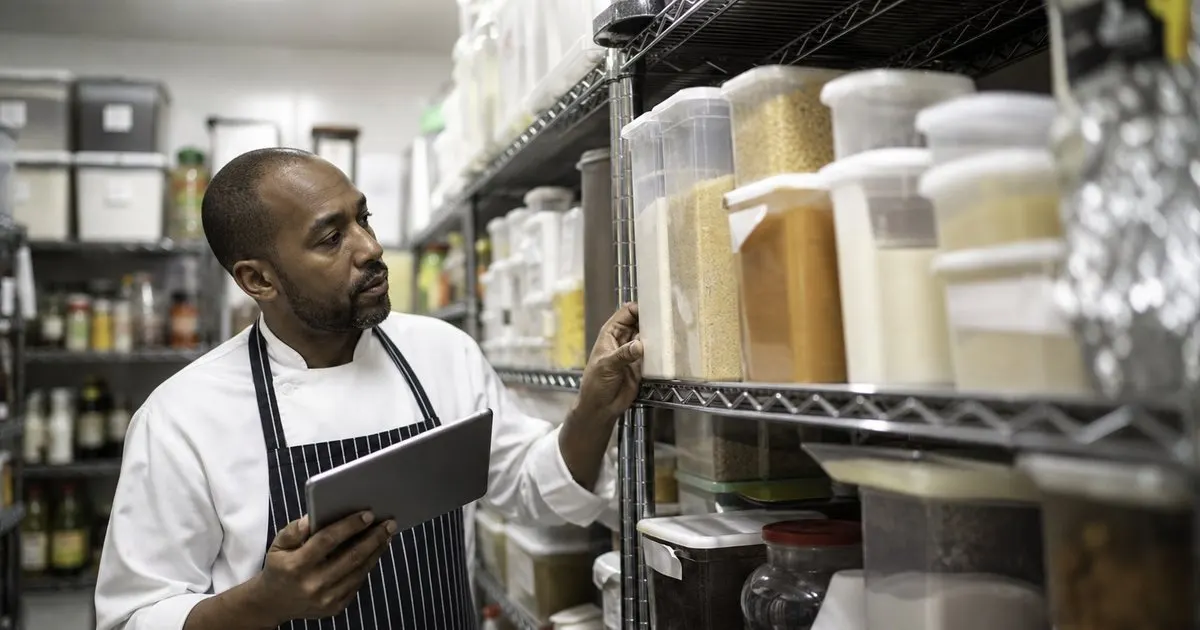
A par is a target, not a max
A par level is the amount of an item you want on hand to cover the period until your next delivery. It is a working target, not the most you can fit.
Set it too high and cash sits idle, set it too low and you stock out, so the par lives in the honest middle.
Keep reading: What is the fastest way to run accurate weekly inventory counts in a kitchen?, How do reorder alerts prevent stockouts before they hit the line?, How can better inventory control cut food waste without risking stockouts?. See how ParLevelr helps you restaurant inventory par levels and reorder alerts.
Base it on usage and lead time
The right par accounts for how fast an item moves and how long a reorder takes to arrive. A slow vendor needs a higher par as a buffer.
Multiply daily usage by the days between deliveries, add a safety cushion, and you have a defensible starting par.
Add a safety buffer for key items
Some items are worth a little extra insurance, especially the ones that stop service if they run out. Give those a slightly higher par.
Low-value, easy-to-source items need less buffer, so tailor the cushion to the cost of running out. Related: Why does the cash tied up in inventory matter as much as food cost?
Revisit as usage shifts
Pars are not set once, because menus, seasons, and popularity all move. A par that fit in spring may be wrong by fall.
A quick review each season, guided by usage data, keeps pars matched to how the kitchen actually runs now. Related: What should a kitchen manager do when a large catering order blows past pars?
- A par is a working target, not a ceiling
- Base pars on usage and lead time
- Add buffer to service-critical items
- Revisit pars as usage shifts

Julien Jimenez
Julien Jimenez is an independent software builder based in Paris. He designs, ships, and operates focused SaaS products for small businesses and independent professionals. Read the full author page.
Frequently asked questions
How does vendor lead time affect a par level?
The longer a reorder takes to arrive, the higher the par needs to be as a buffer. A slow vendor requires more stock on hand to cover the wait, so account for lead time alongside how fast the item moves.
Do all items need the same safety buffer?
No. Items that stop service if they run out deserve a slightly higher par as insurance, while low-value, easy-to-source items need less. Tailor the cushion to the cost of running out of that particular item.
Never Run Out And Never Over Order
Restaurant inventory par levels and reorder alerts. ParLevelr is built to help you put this into practice.
Start free trialMore from the ParLevelr blog
What is the fastest way to run accurate weekly inventory counts in a kitchen?
How do reorder alerts prevent stockouts before they hit the line?
How can better inventory control cut food waste without risking stockouts?
Get the ParLevelr playbook
Practical guides on inventory and ordering, straight to your inbox as we publish them. No spam, unsubscribe any time.